> ## Documentation Index
> Fetch the complete documentation index at: https://docs.cnpj-api.com/llms.txt
> Use this file to discover all available pages before exploring further.
# Create Account
> How to create an account and get your authentication token
# Create Account
## 1. Sign up
Go to [cnpj-api.com/en/sign-up](https://cnpj-api.com/en/sign-up) and create your account using one of the options:
* **Google** — click the Google button to sign in with your Google account
* **Email** — enter your email and receive a magic link
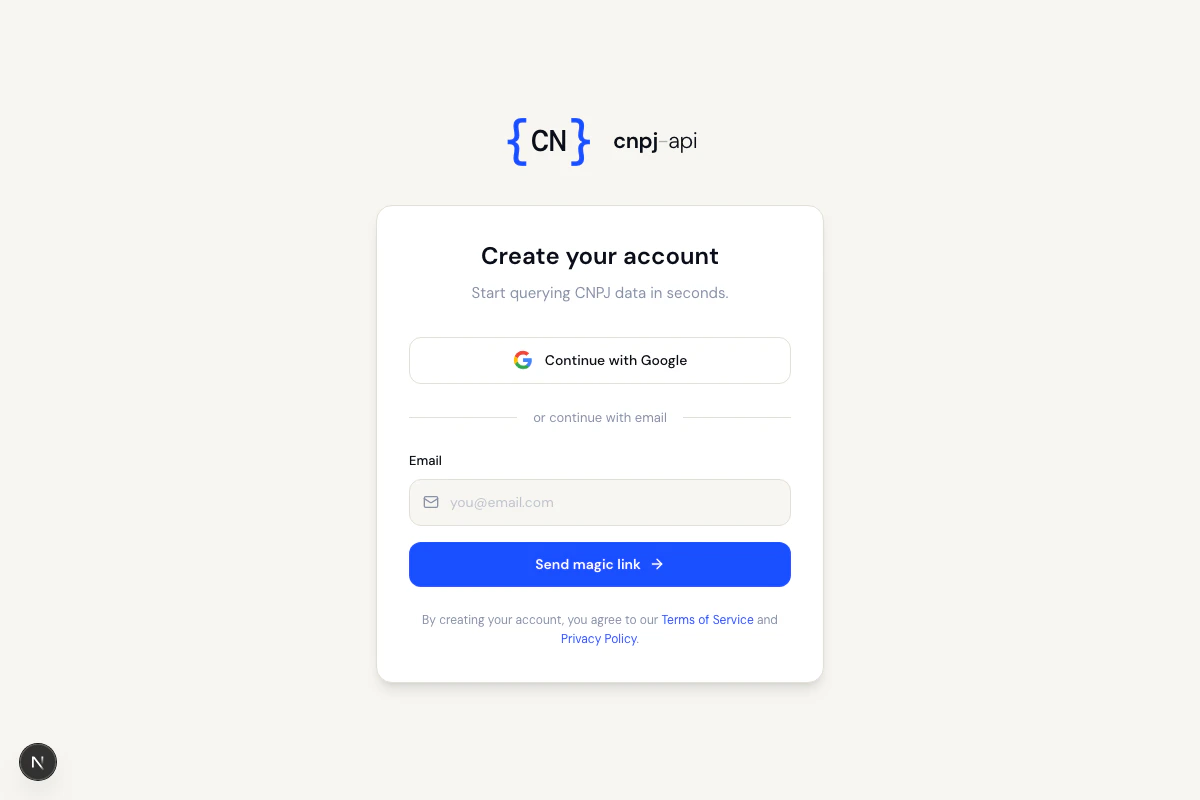 If you choose email, check your inbox (and spam folder) and click the link to complete signup.
## 2. Create an API token
After signing in, you will be redirected to the [My Account](https://cnpj-api.com/en/my-account) page. To create your token:
1. Click **Create new token**
2. Choose a label to identify the token (e.g. `my-app-production`)
3. Click **Create**
The token is shown **only once**. Copy and store it securely before closing the page.
## 3. Use the token
Add the token to your requests via URL parameter or HTTP header:
```bash theme={null}
curl "https://api.cnpj-api.com/v1/cnpj/12345678000195?token=YOUR_TOKEN"
```
See [Authentication](/en/autenticacao) for all available methods.
## Managing tokens
If you choose email, check your inbox (and spam folder) and click the link to complete signup.
## 2. Create an API token
After signing in, you will be redirected to the [My Account](https://cnpj-api.com/en/my-account) page. To create your token:
1. Click **Create new token**
2. Choose a label to identify the token (e.g. `my-app-production`)
3. Click **Create**
The token is shown **only once**. Copy and store it securely before closing the page.
## 3. Use the token
Add the token to your requests via URL parameter or HTTP header:
```bash theme={null}
curl "https://api.cnpj-api.com/v1/cnpj/12345678000195?token=YOUR_TOKEN"
```
See [Authentication](/en/autenticacao) for all available methods.
## Managing tokens
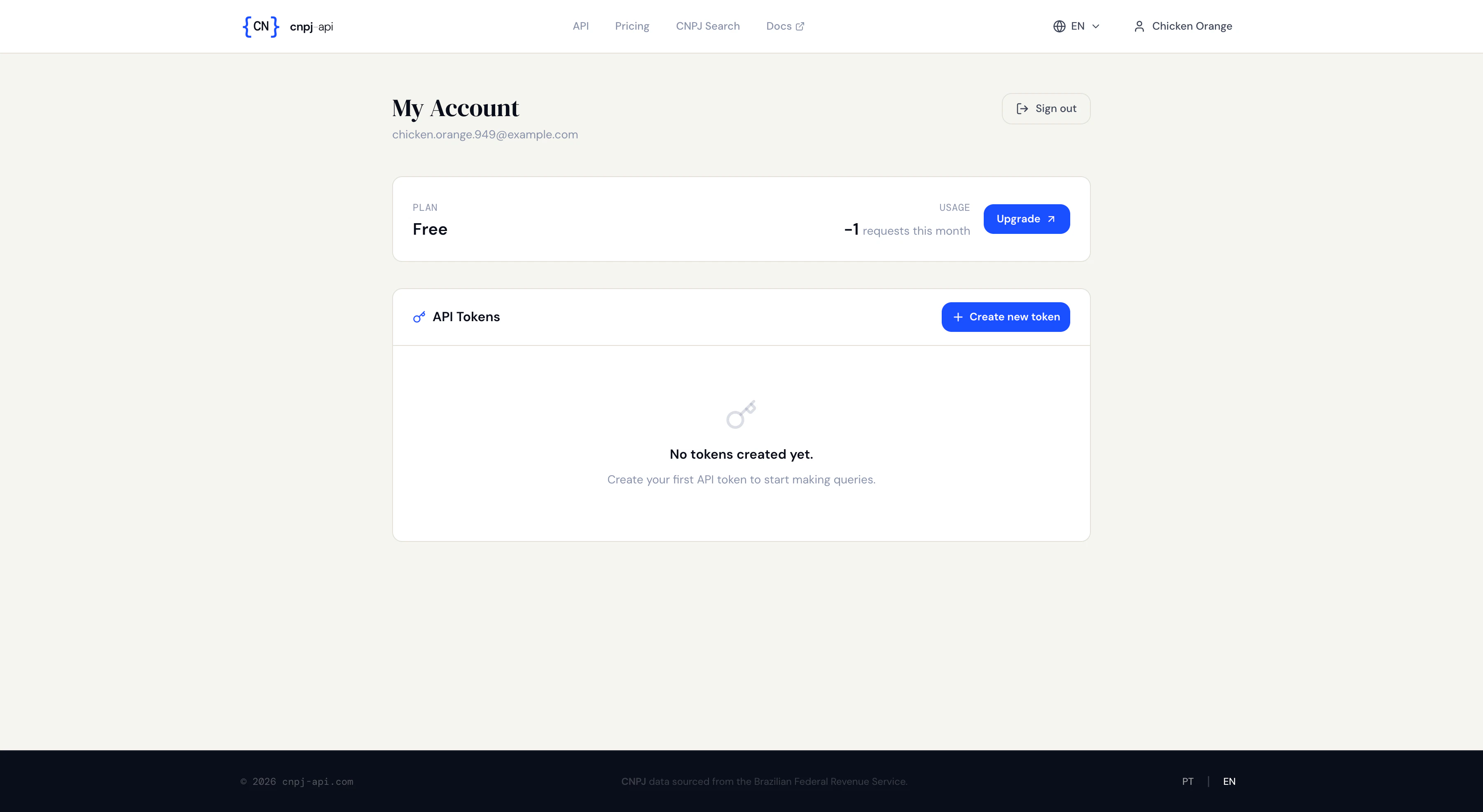 On the [My Account](https://cnpj-api.com/en/my-account) page you can:
* **Create** new tokens
* **Rotate** an active token (generates a new one, keeping the old one active until revoked)
* **Revoke** a token to disable it immediately
## Next steps
* [Quick Start](/en/inicio-rapido) — make your first query
* [Rate Limits](/en/limites-de-uso) — understand plans and limits
* [Usage and Limits](/en/endpoint-uso-e-limites) — check your plan and limits via API
On the [My Account](https://cnpj-api.com/en/my-account) page you can:
* **Create** new tokens
* **Rotate** an active token (generates a new one, keeping the old one active until revoked)
* **Revoke** a token to disable it immediately
## Next steps
* [Quick Start](/en/inicio-rapido) — make your first query
* [Rate Limits](/en/limites-de-uso) — understand plans and limits
* [Usage and Limits](/en/endpoint-uso-e-limites) — check your plan and limits via API