

Create Account
1. Sign up
Go to cnpj-api.com/en/sign-up and create your account using one of the options:- Google — click the Google button to sign in with your Google account
- Email — enter your email and receive a magic link
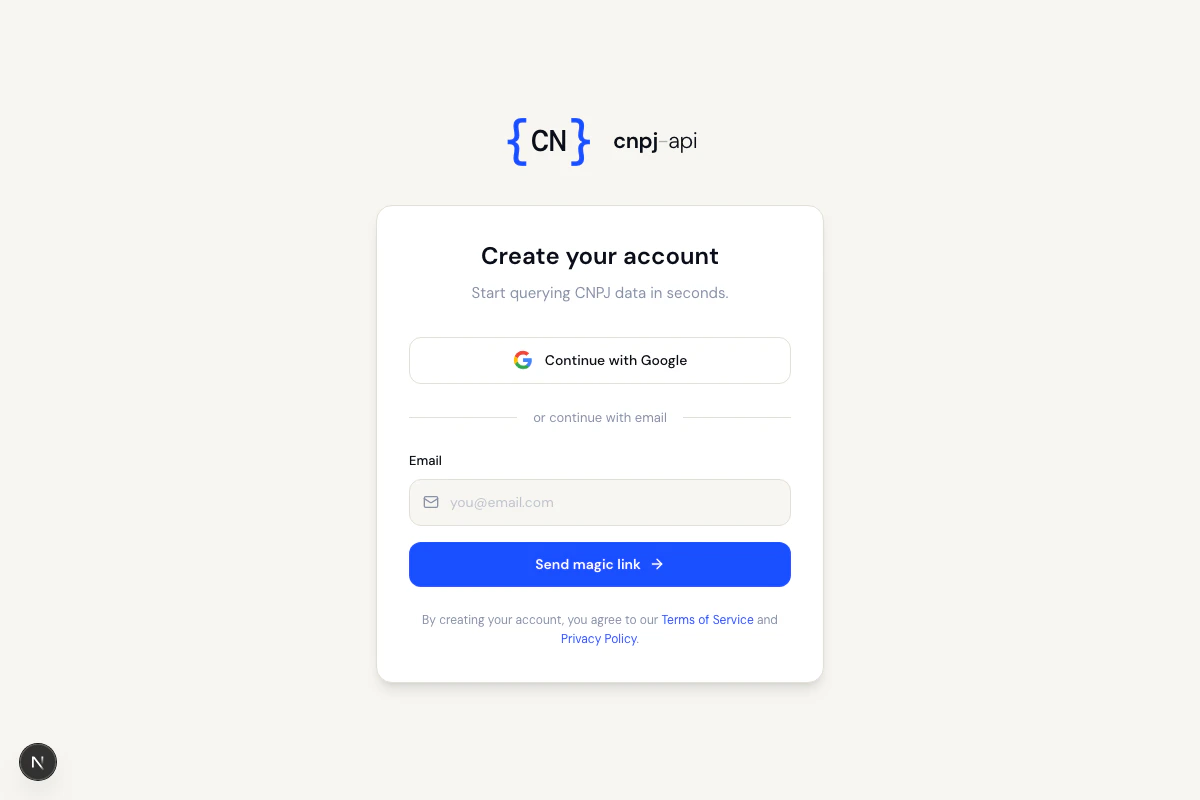
If you choose email, check your inbox (and spam folder) and click the link to complete signup.
2. Create an API token
After signing in, you will be redirected to the My Account page. To create your token:- Click Create new token
- Choose a label to identify the token (e.g.
my-app-production) - Click Create
3. Use the token
Add the token to your requests via URL parameter or HTTP header:Managing tokens
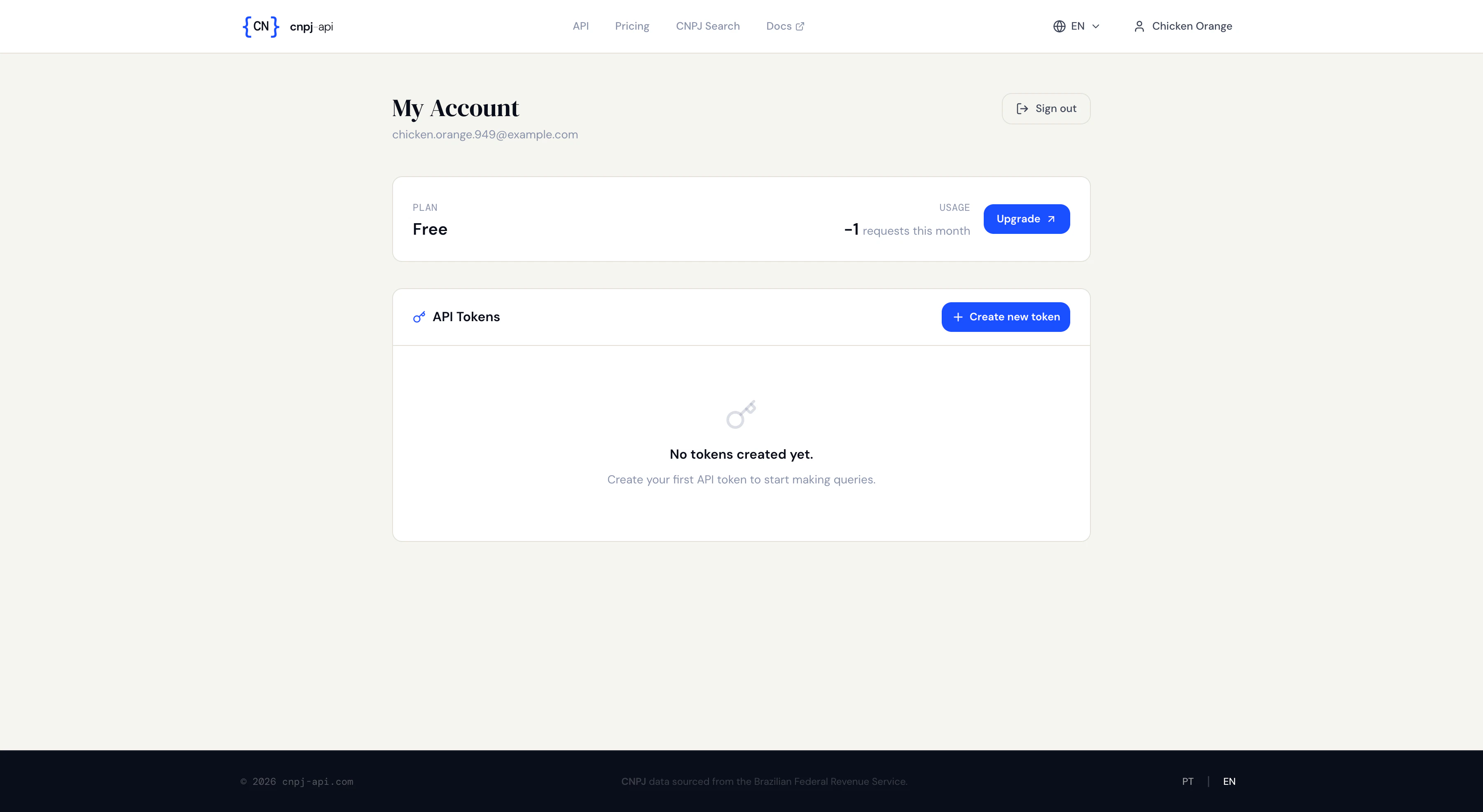
- Create new tokens
- Rotate an active token (generates a new one, keeping the old one active until revoked)
- Revoke a token to disable it immediately
Next steps
- Quick Start — make your first query
- Rate Limits — understand plans and limits
- Usage and Limits — check your plan and limits via API